

Piccolo
ia |

Piccolo, UCLouvain's AI applications
An institutional generative AI tool, free for the whole university community, built for careful handling of both data and resources.
| Who is it for? | UCLouvain faculty, staff, researchers and students |
| Access link | piccolo.uclouvain.be |
| Last updated | September 10, 2026 |
| Technical support | Piccolo - Help and information |
Getting to know Piccolo
Piccolo brings several generative AI models (LLMs) together in one interface, to support teaching, research, administrative work, and study.
It runs on models provided in Europe by the European company Mistral AI, and on models hosted on UCLouvain's own servers.
The name comes from the instrument: a piccolo is small and precise. That's the philosophy behind the tool, which covers specific, well-defined uses of generative AI within the university.
To get started
To get started
Discover Piccolo in 3 minutes
Applications available to the whole community
Piccolo isn't a single interface. It's a set of applications that all use the same UCLouvain account and the same credit balance. You move between them from the side menu, without switching tools or logging in again.
All conversations are encrypted, and you are the only person who can see yours.
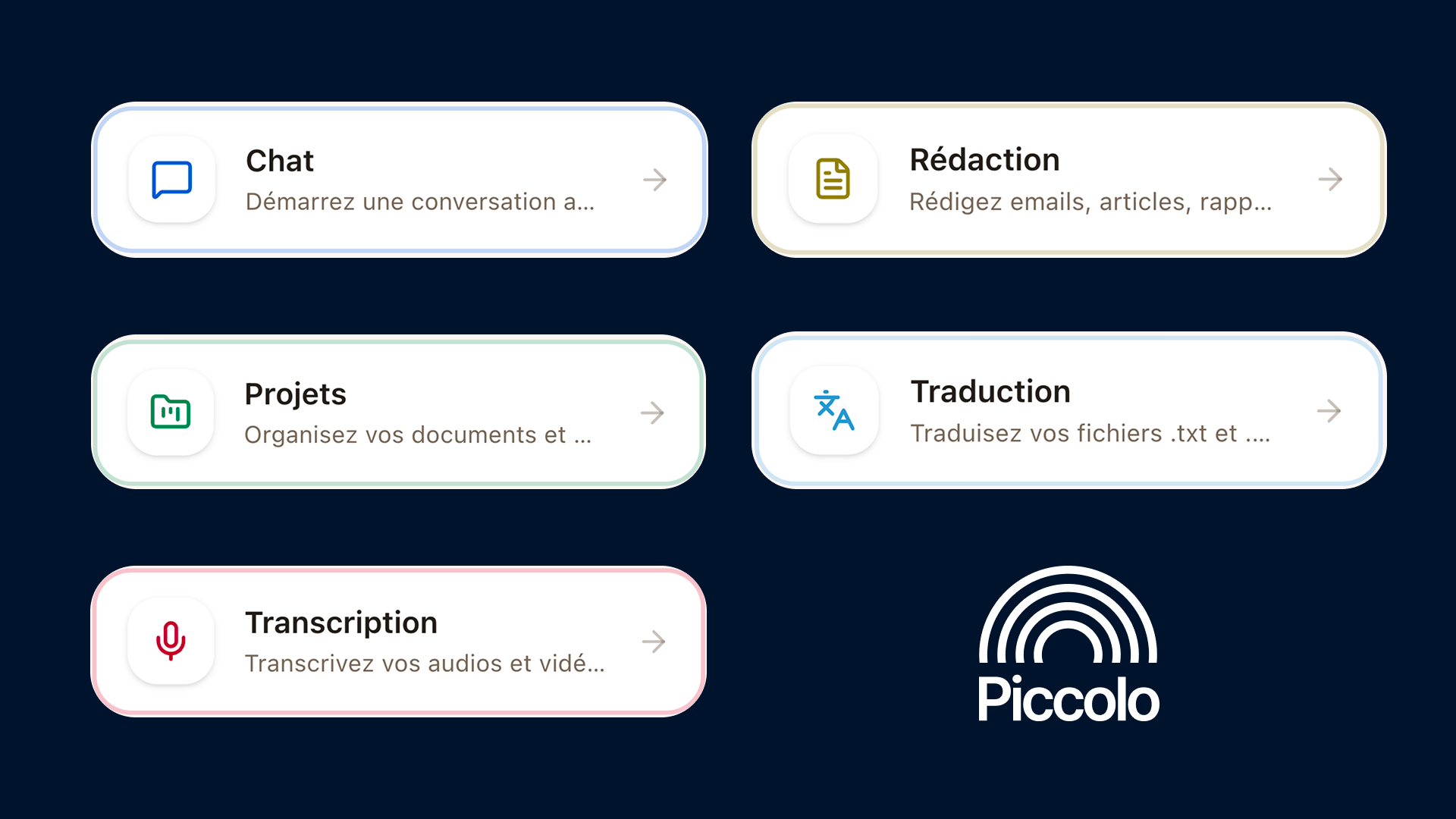
Chat: talking with an AI model
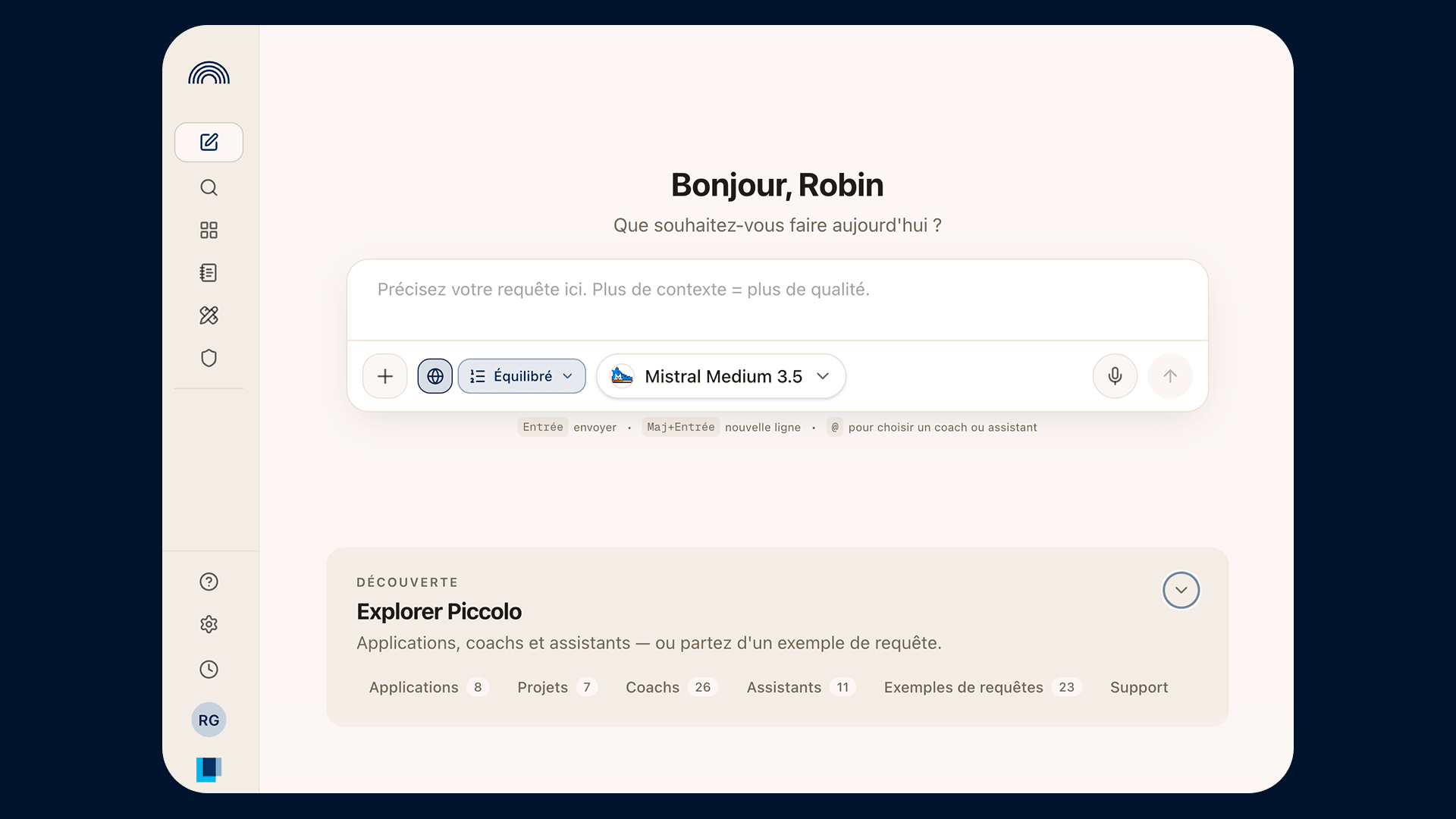
The most common starting point. You write your prompt and choose the LLM that suits you. For example, a large model for complex tasks, or a UCLouvain-hosted model for more sensitive material. You can also switch models partway through a conversation.
Four options are available directly:
- Attach files, to work from your own documents.
- Search the web, so the answer draws on online sources.
- Prompt examples, to start from wording that works.
- Pick a coach or assistant, to open a conversation that's already set up.
Every answer shows what it cost: the number of AI credits used and an estimate of its carbon footprint.
Writing: drafting a document together
From your conversation, Piccolo generates a real document: a report, a letter, a guide, a structured template. The result opens in an accurate preview and downloads as Word or PDF. You can ask for changes before downloading, or take over in Word afterward.
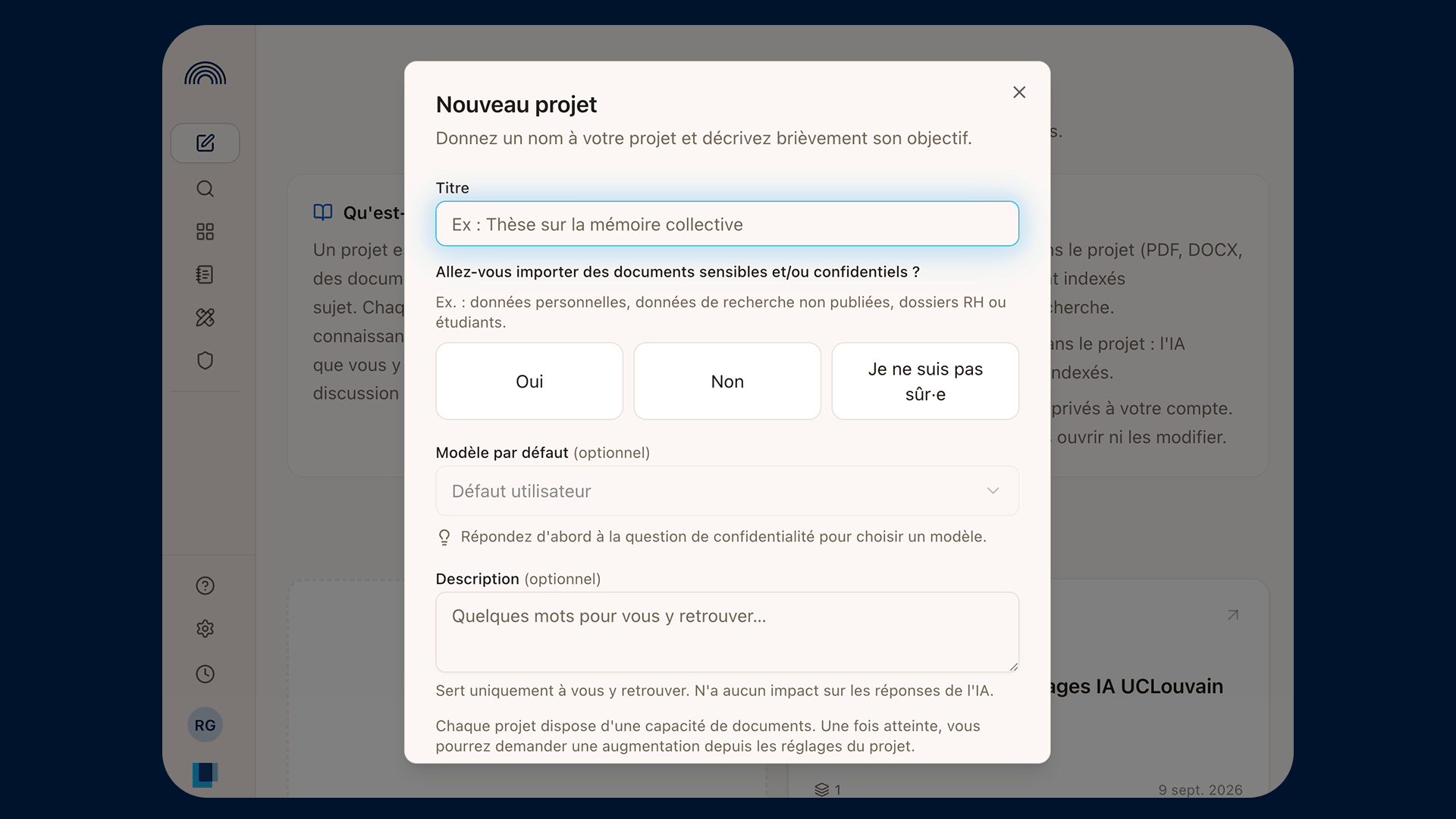
Projects: working with your own documents
A project is a folder of documents you can ask questions about. Drag and drop your files, import a web page from its URL, or paste text directly.
Once indexed, those documents become the basis for the answers, and you can run several conversations on the same project. A gauge shows how much of the capacity you've used.
Useful for course materials, a set of procedures, a body of research articles, or the documents behind a research project.
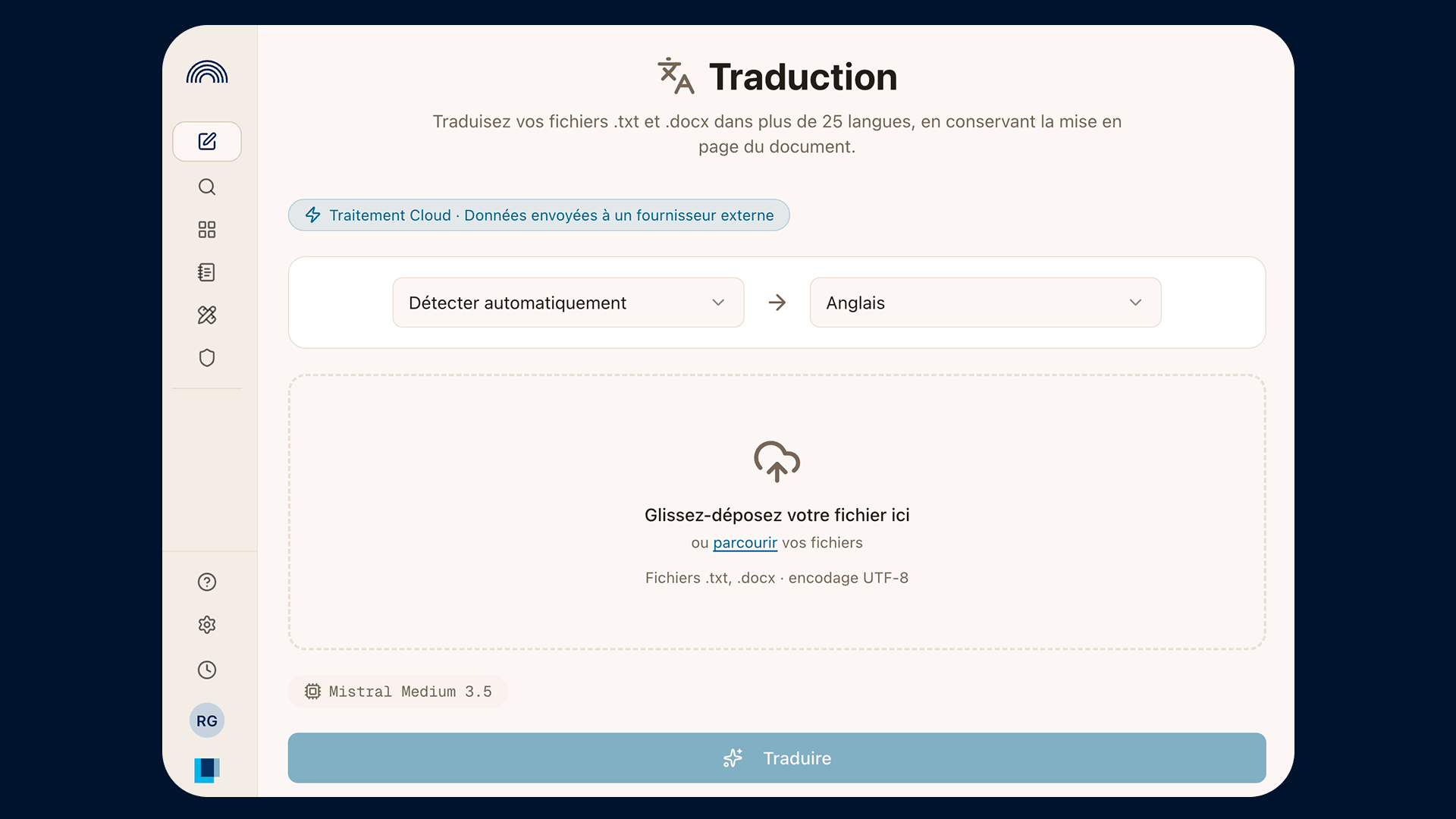
Translation: a first draft you can edit
Submit a document and get back a translation you can then revise. Piccolo gives you a starting point, not a final version. The proofreading is still yours.
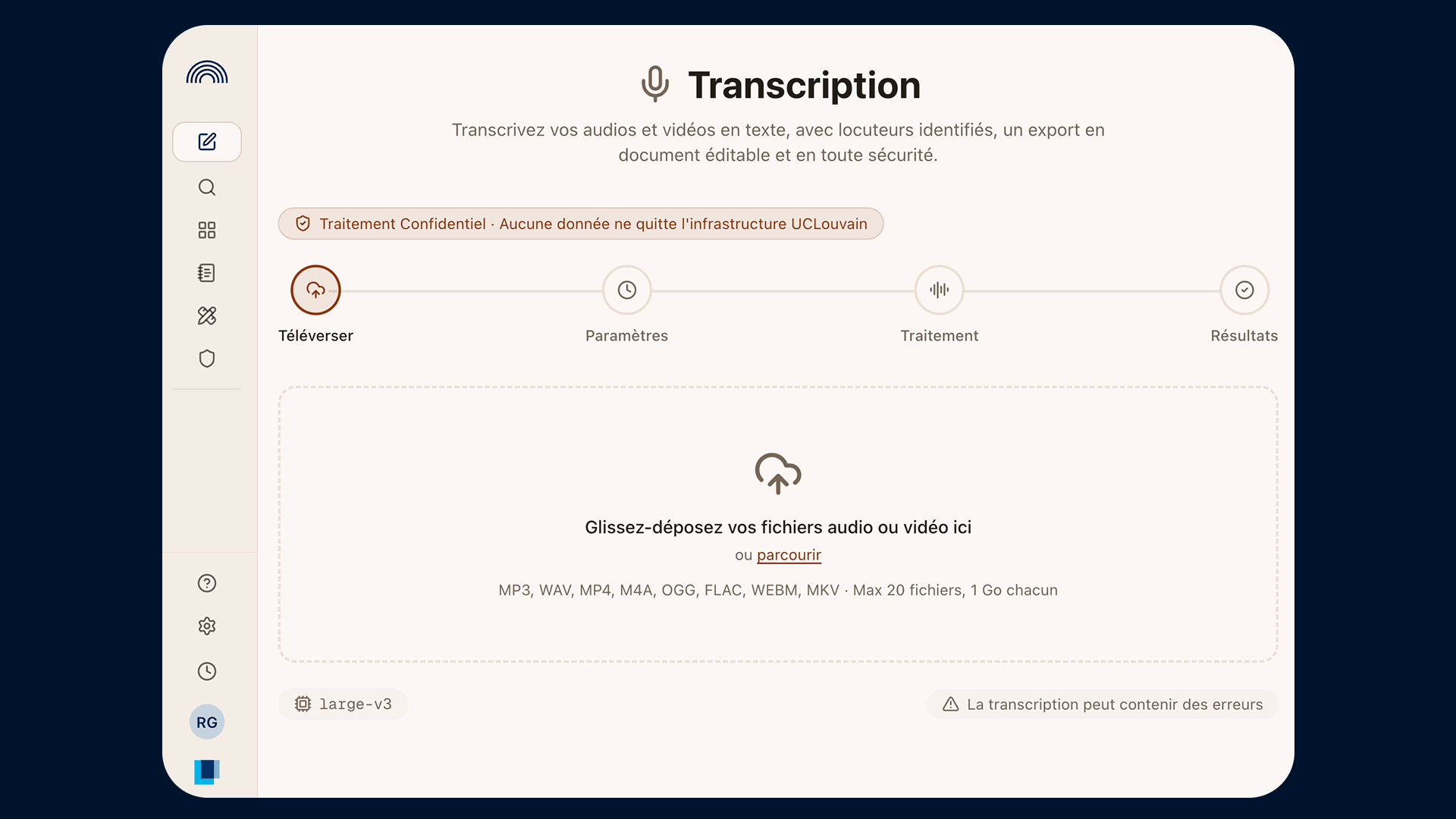
Transcription: audio and video into text, confidentially
Upload an audio or video file and get the written transcript, with timestamps and speaker detection. Useful for a research interview, a meeting, or a recorded class.
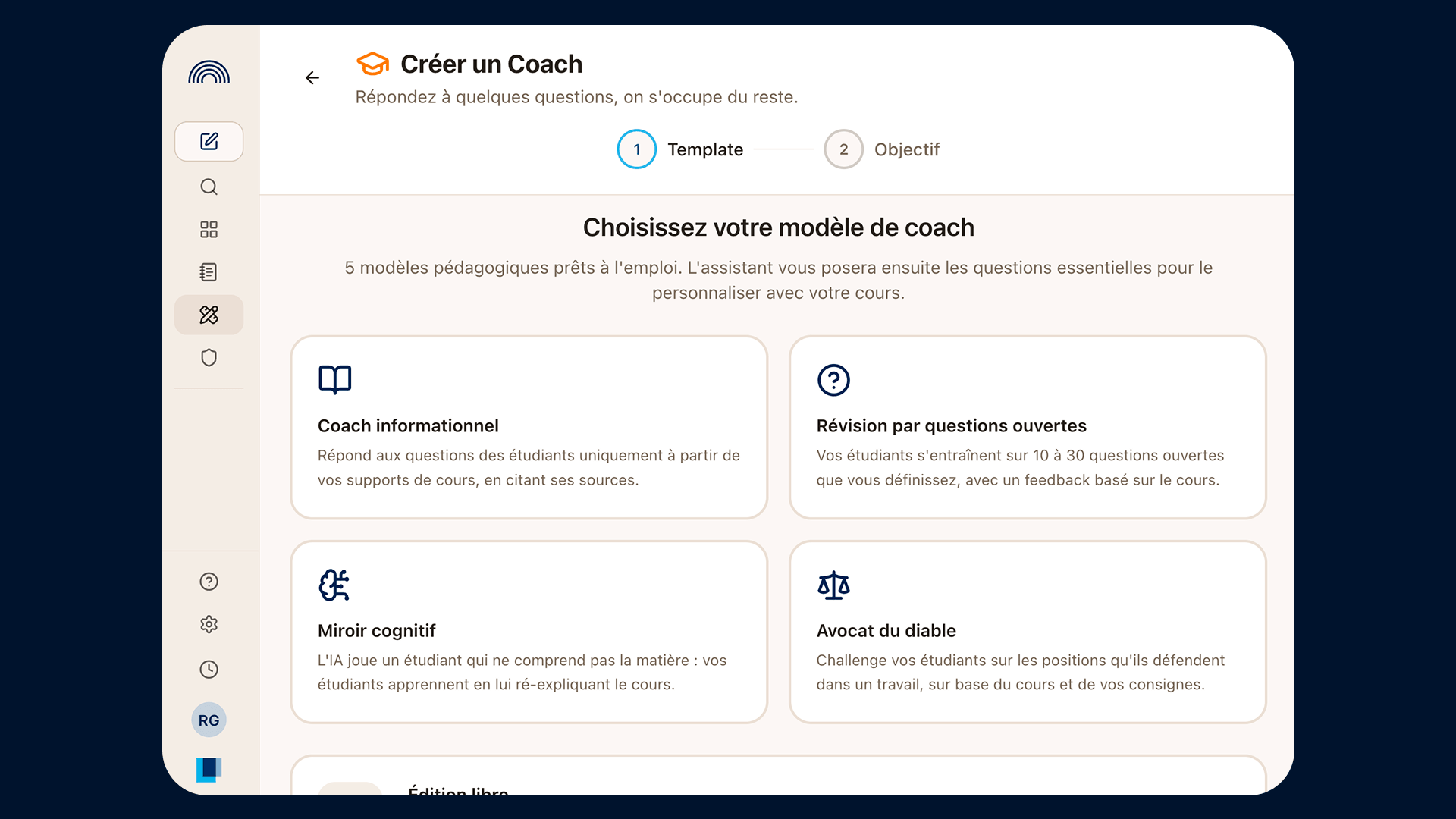
AI coaches: practicing within a course
A virtual coach is a conversation designed by an instructor for one specific course. Three things set it apart from an ordinary chat:
- it is tied to a course;
- it follows fixed steps defined by the instructor (instructions, questions, feedback, assessment);
- it draws only on the course materials: the coach searches the reference documents the instructor uploaded, and the sources consulted appear in the answer.
Uses range from a simulated patient for history-taking practice, to interim feedback on an assignment, to sets of practice questions.
Virtual coaches are built by instructors with support from the Piccolo team, so they aren't available for every course.
To open a virtual coach:
- Go to Explore.
- Type the course code.
- Open the conversation with the virtual coach.
Piccolo Agent
Staff members and certain student cohorts can create and work with an AI agent.
This agent is built on relevant documents, structured for administrative uses.
To get access, you need to complete the FORM/Louvain Learning Lab training module, or request specific access for your student groups (for example, a course project where creating AI agents fits the course design).
Why Piccolo?
Models hosted in Europe
UCLouvain has chosen digital sovereignty by building on the models offered by Mistral AI. Processing happens on infrastructure located in Europe, and is therefore covered by European rules: the GDPR and the EU AI Act.
That applies to the open-weight models of Chinese origin offered in Piccolo as well. They are hosted by Mistral in Europe, not by their original AI providers.
Building our own tools lets us keep control of the pieces that matter most for confidentiality, while still drawing on useful outside technology. This hybrid approach avoids depending entirely on a single vendor.

Models hosted at UCLouvain
Some lighter models run directly on the university's servers. Conversations with those models never leave UCLouvain's infrastructure, which offers stronger confidentiality when the material calls for it.
The same is true of transcription, translation, working with document folders (Projects), and the administrative agents developed for certain services.
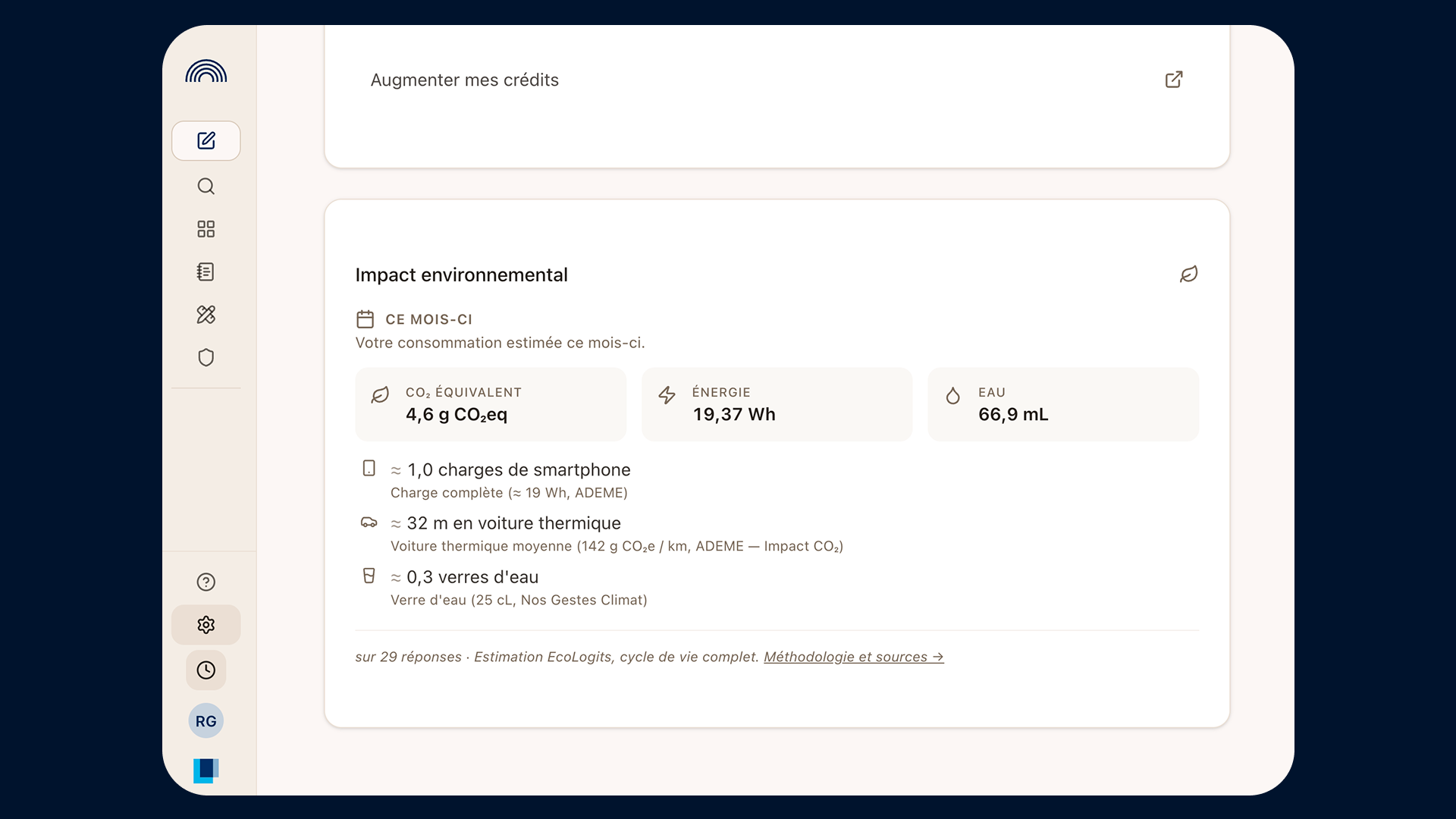
An environmental cost we name and show
Generative AI uses energy. Rather than leaving that unsaid, Piccolo makes it visible: every answer displays its credits and an estimate of its footprint, and your account summarizes your usage for the month.
A small model costs less than a large one, and a short prompt costs less than a conversation that keeps growing. Choosing the right model instead of the biggest one is as much an environmental habit as an efficient one.
Free access, for everyone
Piccolo is free for all faculty, staff, and students: no subscription, no pay-per-use.
That decision is meant to keep the digital divide from widening and to make classroom use possible.
AI credits are not a price tag: they keep usage within bounds, prevent abrupt service cutoffs, and can be increased on request through technical support.
Part of the university's strategy
Piccolo delivers the first action in UCLouvain's generative AI plan, adopted in June 2025, which sits within the 2024–2029 strategic plan "Un cap, du sens."
In it, the university positions itself as a critical, responsible participant in AI, attentive to three concerns: environmental impact, bias and discrimination, and the digital divide.
Piccolo: what's next?
Several new applications are being developed with a range of users.
Connectors within Piccolo
We are looking at the connections Piccolo could have with internal and external tools. This would strengthen some internal uses in teaching and research, such as links to available library catalogs, Confluence, DIAL, or tools like Zotero.
Support for administrative projects
We continue to build specialized tools for some administrative services. Our aim is to co-create these tools directly with the teams, while measuring how effective and reliable they are.
New applications for teaching
We are seeing many requests around the importance of oral skills at the university. We are exploring uses that would support the development of these increasingly essential skills for students.
What Piccolo doesn't do
- UCLouvain does not build AI models: we make existing models available, we don't train our own.
- Your conversations are never used to train models, and no one monitors their content.
- No image or video generation.
- No substitute for specialized tools: in-depth academic literature search, software development agents (and vibe coding), or automating tasks across multiple applications.
- No fully autonomous AI agents operating without human oversight.
How-to guides
| Link | Description |
| Getting started with Piccolo | Writing your first prompt in Piccolo |
| Choosing the right LLM | Which AI model (LLM) for which task, and when to switch. |
| Understanding AI credits | What a prompt costs and how to renew your balance. |
| Increasing your AI credits | How to easily increase your AI credit balance. |
| Types of data to use in Piccolo | Which data you can use in Piccolo, and with which features. |